
 BeforeAfter
Redesign
Restyle the room you live in, in the style you pick.
AI interior design for iPhone & iPad
Snap a photo and watch your space transform — same walls, same windows, new everything. Then shop the look at the budget that fits you.
Coming soon to the App StoreFree designs every month. No sign-in to try it.
BeforeAfter
Three ways to redesign
The redesign starts from your photo, not a template. Lighting, layout and dimensions stay yours — only the styling changes.
BeforeAfter
Restyle the room you live in, in the style you pick.

 BeforeAfter
Moving in? Furnish an empty room from scratch.

 BeforeAfter
Fresh paint, new planting, curb appeal — outside too.
How it works
Use your own room or try a sample. No onboarding carousel, no sign-in wall.
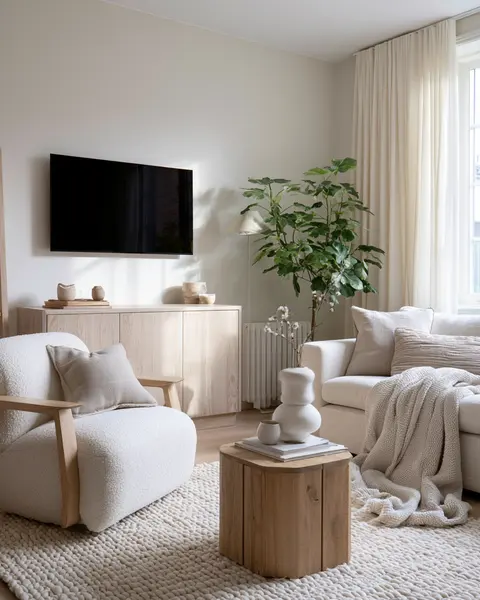
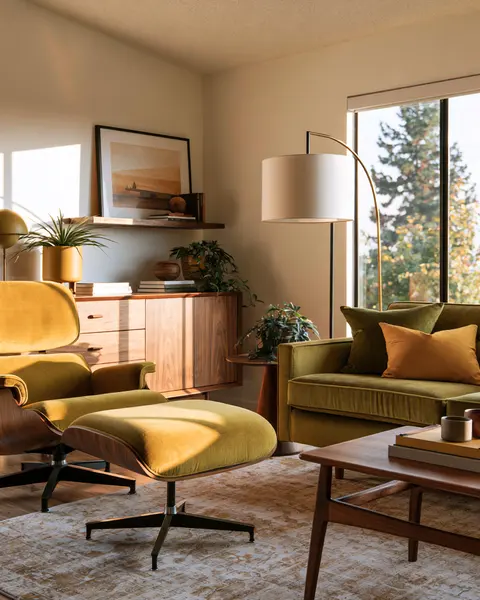
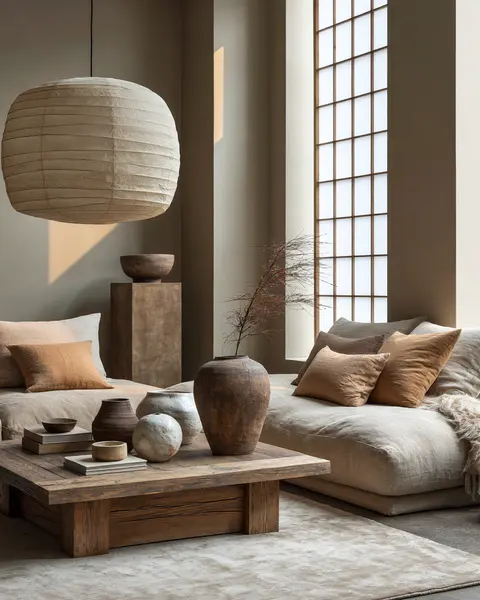
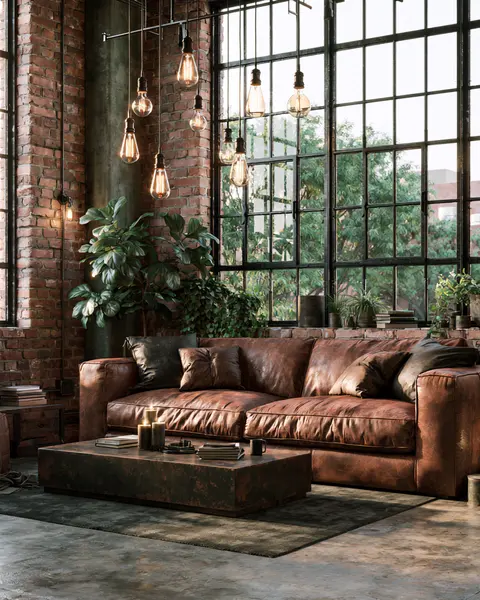
Choose a style you love — or let Interia surprise you.
“Make the sofa lower.” “Add plants.” Every refinement is a new version; earlier ones stay saved.
Shop the look
Slide between tiers to see how the room shifts, then tap any chair, lamp or rug to see real products from real retailers.
Styles


Your room photos stay yours. Delete a project or your account and it’s gone from our servers.
Every generated image carries a clear “AI-generated” label, and we ask before your first photo is processed.
VoiceOver scene descriptions, Dynamic Type everywhere, and Reduce Motion honored.

Interia shows you what your room could look like — and where to shop it. Coming soon to iPhone and iPad.
Get in touch